

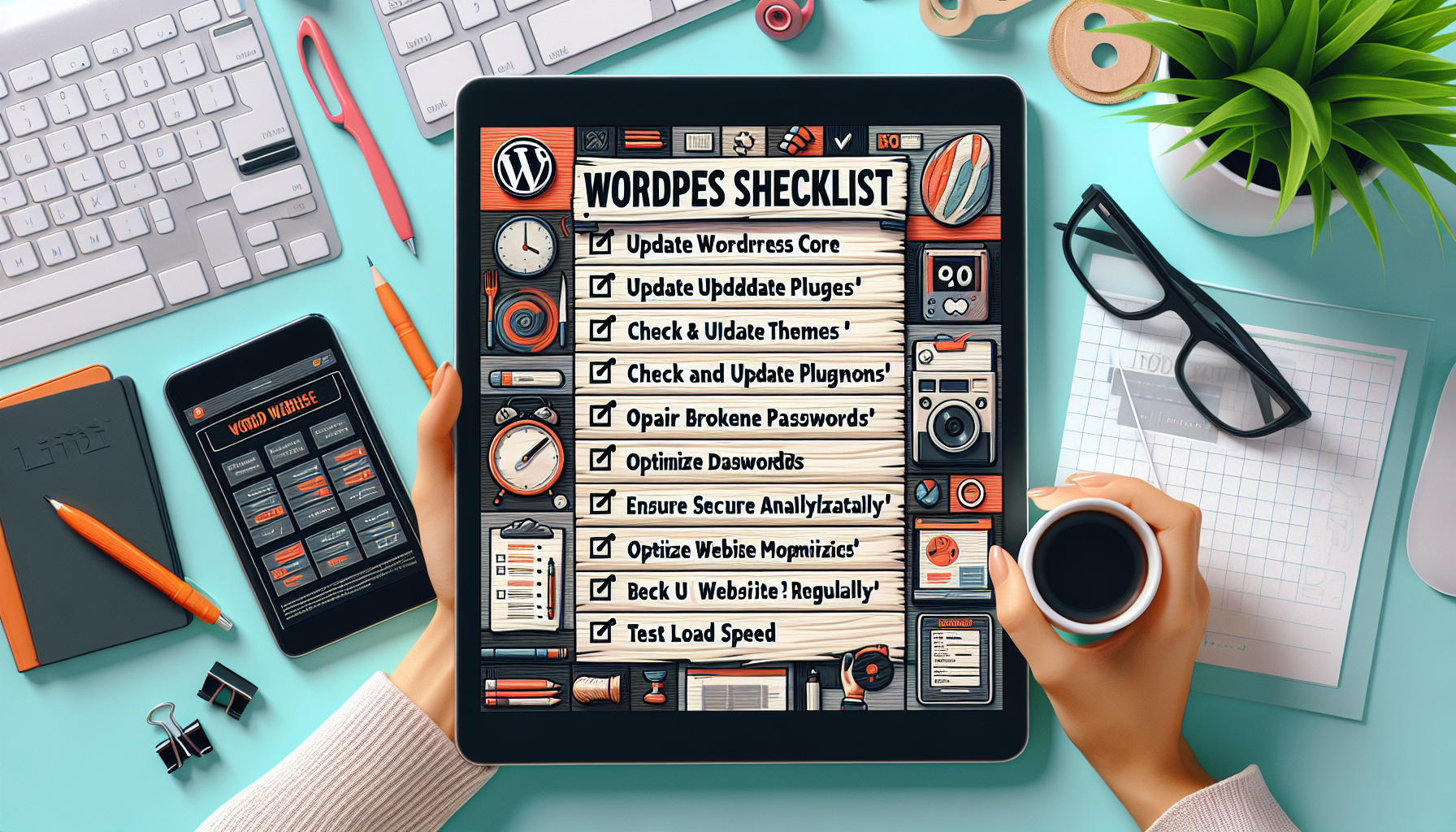
The Ultimate WordPress Website Maintenance Checklist appeared first on WPeka.
The world of web design and blogging has changed since WordPress came into existence. So, you’ve already created a WordPress website and installed the plugins. But, that’s not enough. You should be performing some tasks on a regular basis to …
The Ultimate WordPress Website Maintenance Checklist Read More »
The Ultimate WordPress Website Maintenance Checklist appeared first on WPeka.
# Comprehensive Checklist for Effective WordPress Website Maintenance
Maintaining a WordPress website is crucial for ensuring its performance, security, and overall user experience. Regular maintenance helps prevent issues that could lead to downtime, data loss, or security breaches. This comprehensive checklist will guide you through the essential tasks required for effective WordPress website maintenance.
## 1. **Regular Backups**
### Importance:
Backups are your safety net. They ensure that you can restore your website to a previous state in case of data loss, hacking, or server failure.
### Action Steps:
– **Choose a Backup Solution:** Use plugins like UpdraftPlus, BackupBuddy, or Jetpack for automated backups.
– **Schedule Regular Backups:** Set up daily or weekly backups depending on your site’s activity.
– **Store Backups Offsite:** Use cloud storage solutions like Google Drive, Dropbox, or Amazon S3 for additional security.
## 2. **Update WordPress Core, Themes, and Plugins**
### Importance:
Keeping your WordPress core, themes, and plugins updated is vital for security and performance.
### Action Steps:
– **Check for Updates Regularly:** Log in to your WordPress dashboard to check for available updates.
– **Update in Stages:** Update the WordPress core first, followed by themes and plugins.
– **Test Updates on a Staging Site:** If possible, use a staging environment to test updates before applying them to your live site.
## 3. **Optimize Database**
### Importance:
A cluttered database can slow down your website and affect performance.
### Action Steps:
– **Use Optimization Plugins:** Plugins like WP-Optimize or WP-Sweep can help clean up your database.
– **Remove Unused Data:** Delete spam comments, post revisions, and unused plugins and themes.
– **Schedule Regular Optimizations:** Set up a schedule for regular database cleanups.
## 4. **Monitor Website Performance**
### Importance:
Performance monitoring helps identify issues that could affect user experience and SEO.
### Action Steps:
– **Use Performance Testing Tools:** Tools like Google PageSpeed Insights, GTmetrix, or Pingdom can help analyze your site’s speed.
– **Check Load Times Regularly:** Aim for load times under 3 seconds.
– **Implement Caching Solutions:** Use caching plugins like W3 Total Cache or WP Super Cache to improve load times.
## 5. **Check Security Measures**
### Importance:
WordPress sites are common targets for hackers. Regular security checks help protect your site.
### Action Steps:
– **Install Security Plugins:** Use plugins like Wordfence, Sucuri, or iThemes Security for monitoring and protection.
– **Conduct Regular Security Scans:** Schedule regular scans to detect vulnerabilities or malware.
– **Implement SSL Certificates:** Ensure your site uses HTTPS for secure data transmission.
## 6. **Review User Access and Permissions**
### Importance:
Managing user roles and permissions is essential for maintaining security and operational integrity.
### Action Steps:
– **Audit User Accounts:** Regularly review user accounts and remove any inactive or unnecessary users.
– **Limit Admin Access:** Only give admin access to trusted users and assign appropriate roles to others.
– **Change Passwords Regularly:** Encourage strong passwords and regular updates for all users.
## 7. **Test Website Functionality**
### Importance:
Regular testing ensures that all features of your website are working correctly.
### Action Steps:
– **Check Forms and Links:** Test all forms and links to ensure they are functioning properly.
– **Review E-commerce Functionality:** If applicable, test the checkout process and payment gateways.
– **Check Responsiveness:** Ensure your website is mobile-friendly by testing it on various devices and screen sizes.
## 8. **SEO and Content Updates**
### Importance:
Regularly updating your content and optimizing for SEO helps improve visibility and user engagement.
### Action Steps:
– **Update Old Content:** Refresh outdated posts with new information and optimize for current SEO practices.
– **Check for Broken Links:** Use tools like Broken Link Checker to identify and fix broken links.
– **Monitor SEO Performance:** Use Google Analytics and Google Search Console to track your SEO performance and make necessary adjustments.
## 9. **Analyze Traffic and User Behavior**
### Importance:
Understanding your audience helps you tailor your content and improve user experience.
### Action Steps:
– **Install Analytics Tools:** Use Google Analytics or similar tools to track visitor behavior.
– **Review Traffic Reports:** Analyze traffic sources, user demographics, and behavior flow.
– **Adjust Strategies Based on Data:** Use insights to refine your content and marketing strategies.
## 10. **Plan for Future Growth**
### Importance:
Planning for scalability ensures your website can handle increased traffic and content.
### Action Steps:
– **Evaluate Hosting Needs:** Regularly assess your hosting plan to ensure it meets your site’s demands.
– **Consider Content Strategy:** Plan for future content creation and marketing efforts.
– **Stay Informed on Trends





Recent Comments