

Social media marketing involves more than merely uploading content and wishing for interactions. It’s about sustaining an engaged presence and cultivating a robust brand community. Moreover, it encompasses monitoring discussions to recognize and alleviate threats to your brand’s image. This necessitates the use of effective social media management tools that streamline these processes.
Utilizing the appropriate tools can make social media management far more efficient. These tools allow you to consolidate tasks—such as scheduling posts and evaluating your performance—all in a single platform. Collaborating with team members and setting alerts becomes simpler with the right features.
This article compiles some of the leading social media management platforms available, assisting you in selecting the best solution for your team. Let’s explore the options.
What constitutes a social media management tool?
A social media management tool is software that facilitates the administration of all elements of your social media in one central location. This implies you can conduct various social media operations without having to navigate between different platforms, covering activities such as content creation, scheduling, publishing, monitoring, analysis, engagement, and collaboration.
Many social media management tools enable you to oversee multiple social media profiles across various networks. Therefore, they are crucial in the implementation of your social media marketing strategy.
Top social media management tools
The most suitable social media management tool for you hinges on your specific needs. Considerations such as your operational scale and the platforms being utilized will inform your choice.
Agencies might require a tool that can manage numerous social media profiles for various clients. In contrast, smaller teams may seek out one with strong collaborative features. Some may only need a tool tailored to managing a specific social media site, while others could prioritize automating their post scheduling.
Taking these distinct requirements into account, we have curated a selection of exceptional social media management tools worth exploring.
- Sprout Social
- Zoho Social
- HubSpot
- Sendible
- Pallyy
- SocialBee
- SocialPilot
- Buffer
- Keyhole
- Sprinklr
- eClincher
- Tailwind
- X Pro (formerly Tweetdeck)
- Preview
- Iconoquare
- Hootsuite
- Coschedule
- MeetEdgar
- Later
Overall best social media management tools
1. Sprout Social
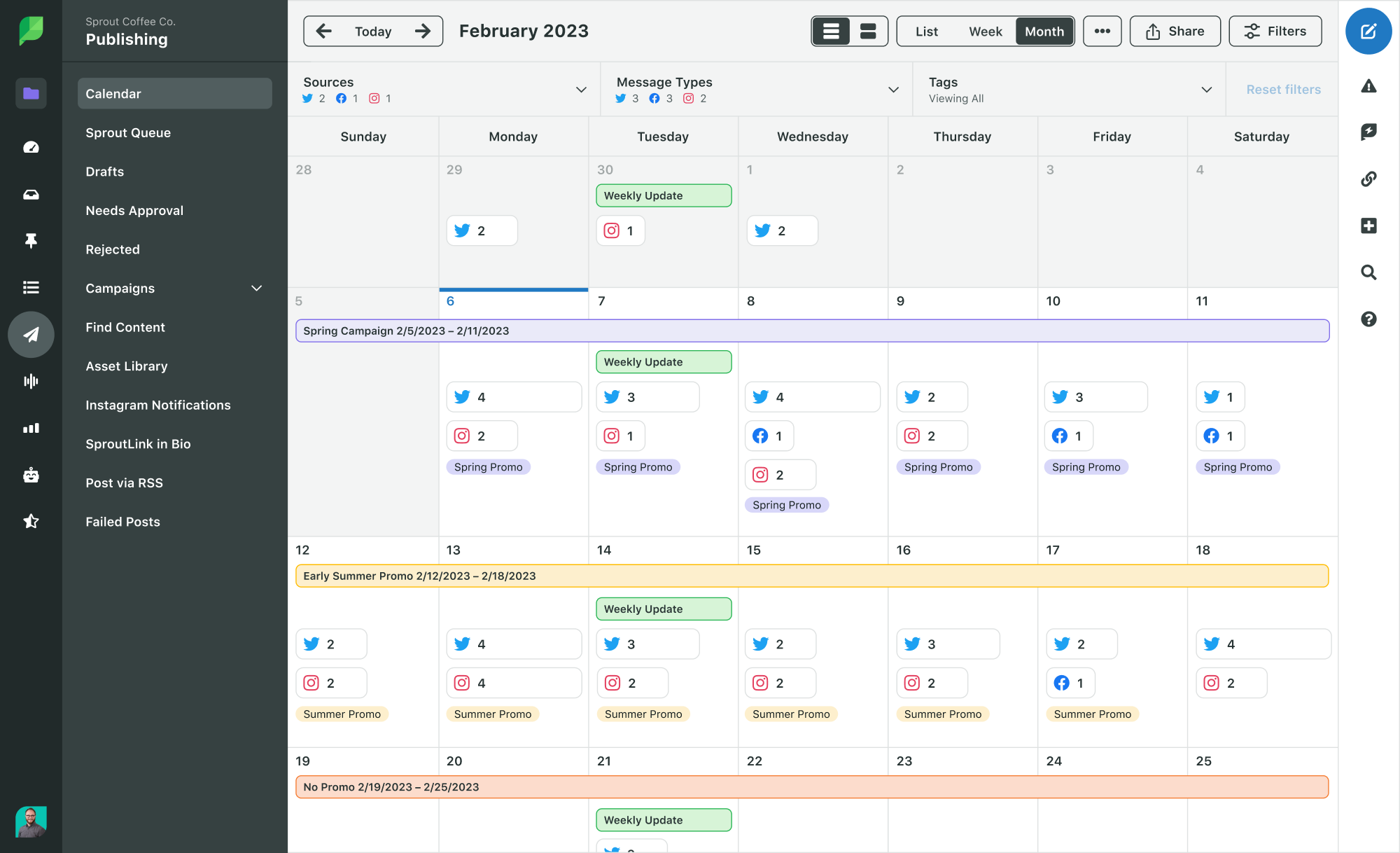
You can’t really fault us for claiming the top spot, can you? Sprout Social serves as a comprehensive social media management tool, addressing all facets of your social media strategy.
Sprout provides integrations with all primary social networks, including Facebook, Instagram, TikTok, Twitter, LinkedIn, Pinterest, and YouTube, enabling management of your entire online presence from a single interface.
Additionally, you can oversee reviews from platforms like Google My Business, Trustpilot, and Facebook. The tool allows you to create shoppable posts linked to Facebook Shops and Shopify catalogs.
Sprout’s Employee Advocacy feature gives it an edge over other management platforms, allowing you to fabricate a curated content feed for employees to share on their social networks, elevating your employee advocacy initiatives and broadening your brand’s reach.
Features:
- Comprehensive social media publishing, scheduling, monitoring, analytics, reporting, and more, all accessible via an intuitive dashboard
- A ViralPost functionality for publishing when your audience is most inclined to engage
- Smart Inbox that aggregates all your incoming messages from various platforms
- Hashtag tracking for identifying trending and relevant hashtags to increase visibility
- Custom URL tracking for acquiring deeper insights into your posts’ referral traffic and conversion performance
- AI-driven Social Listening functionalities that monitor online discussions around your brand, key topics, and themes for enhanced competitive insight
2. Zoho Social
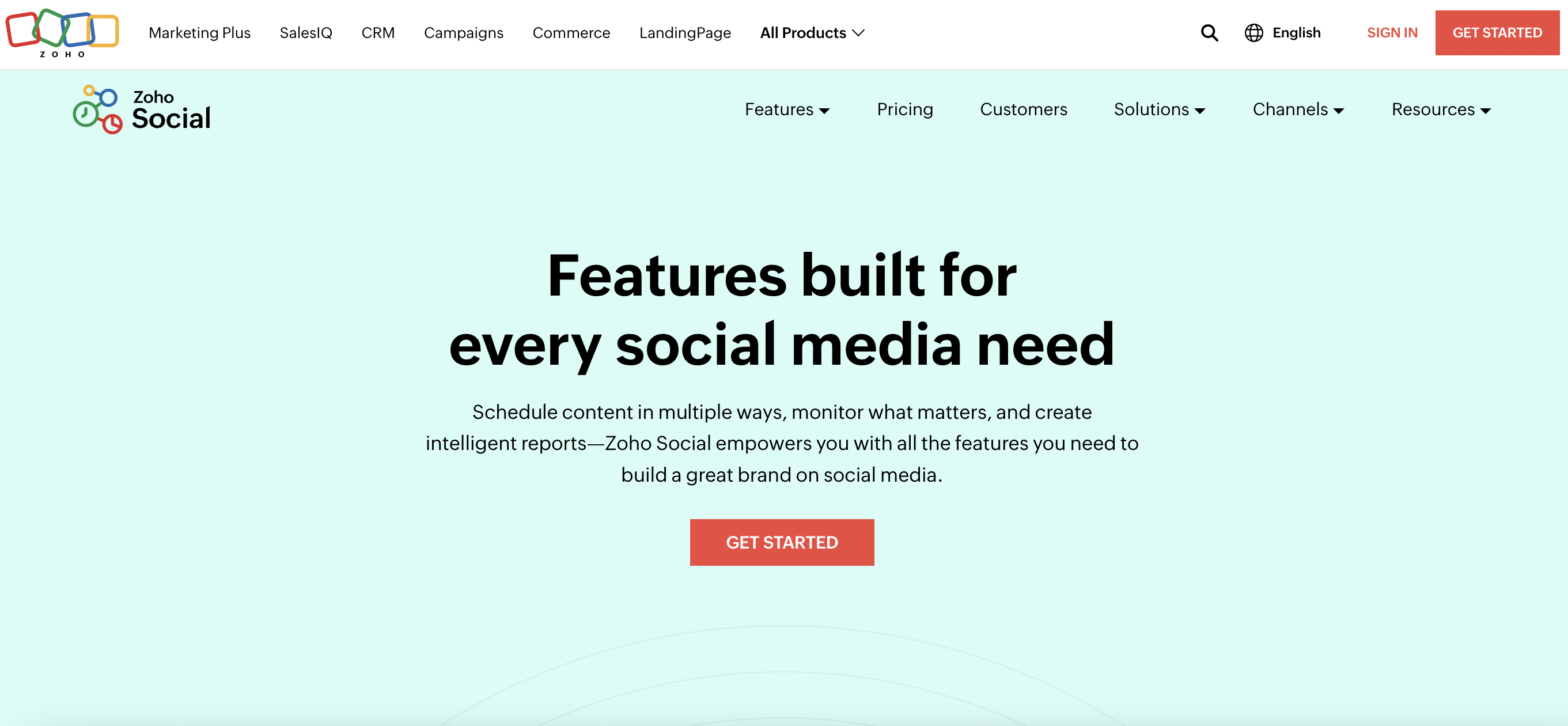
Zoho Social provides features that are “designed for every social media necessity.” The platform enables discussion initiation, report sharing, team role creation, and the solicitation of feedback, simplifying team buy-in on updates and performance insights.
Alongside scheduling, it offers optimized timing features akin to Sprout’s. Users can tailor content for each network, distributing it at optimal times.
The interface’s Inbox consolidates all discussions, making it unnecessary to toggle between different platforms for customer interactions.
Features:
- Seamless integration with Zoho CRM and the capability to monitor customer interactions
- Social listening dashboards for tracking brand mentions and analysis of branded keywords
- Team collaboration options through in-platform chat, audio, and video calls
3. HubSpot
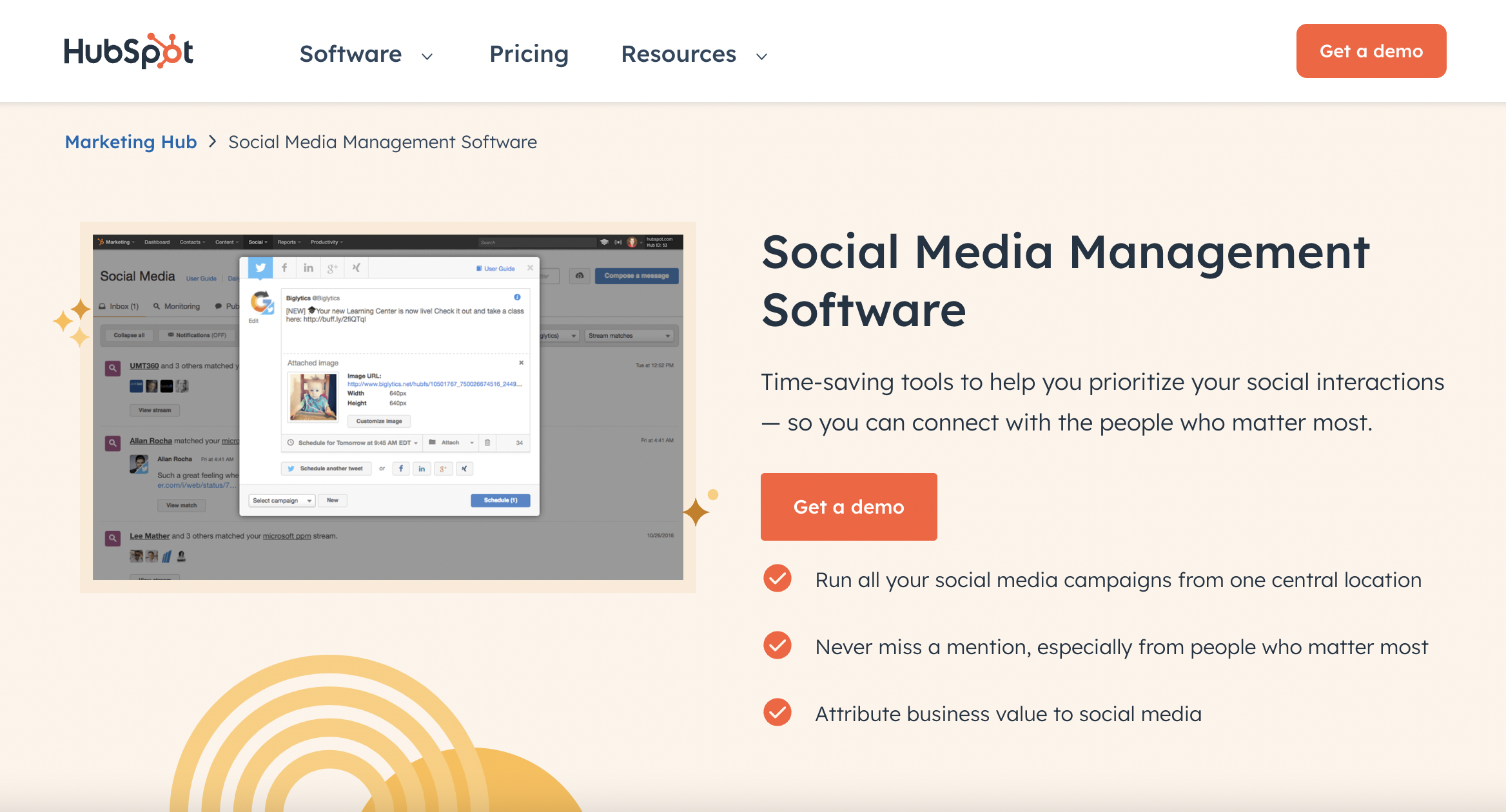
HubSpot stands out as a top-tier customer platform, equipped with robust social media management features. Its centralized social inbox consolidates all your social interactions into one space, further augmented by CRM integration for contextual insights, facilitating an enriched and individualized customer experience.
This platform organizes strategies by tagging marketing resources and content, giving you the ability to connect your posts to targeted campaigns to gauge their effectiveness.
Moreover, it encompasses all essential features needed in social media management software, including publishing tools, scheduling, keyword tracking, and reporting.
Features:
- Keyword monitoring streams that highlight significant interactions and prioritize essential conversations
- AI-powered social media post generator that streamlines publishing
- Suggestions for optimal posting times to maximize reach
Social media management tools for agencies
4. Sendible
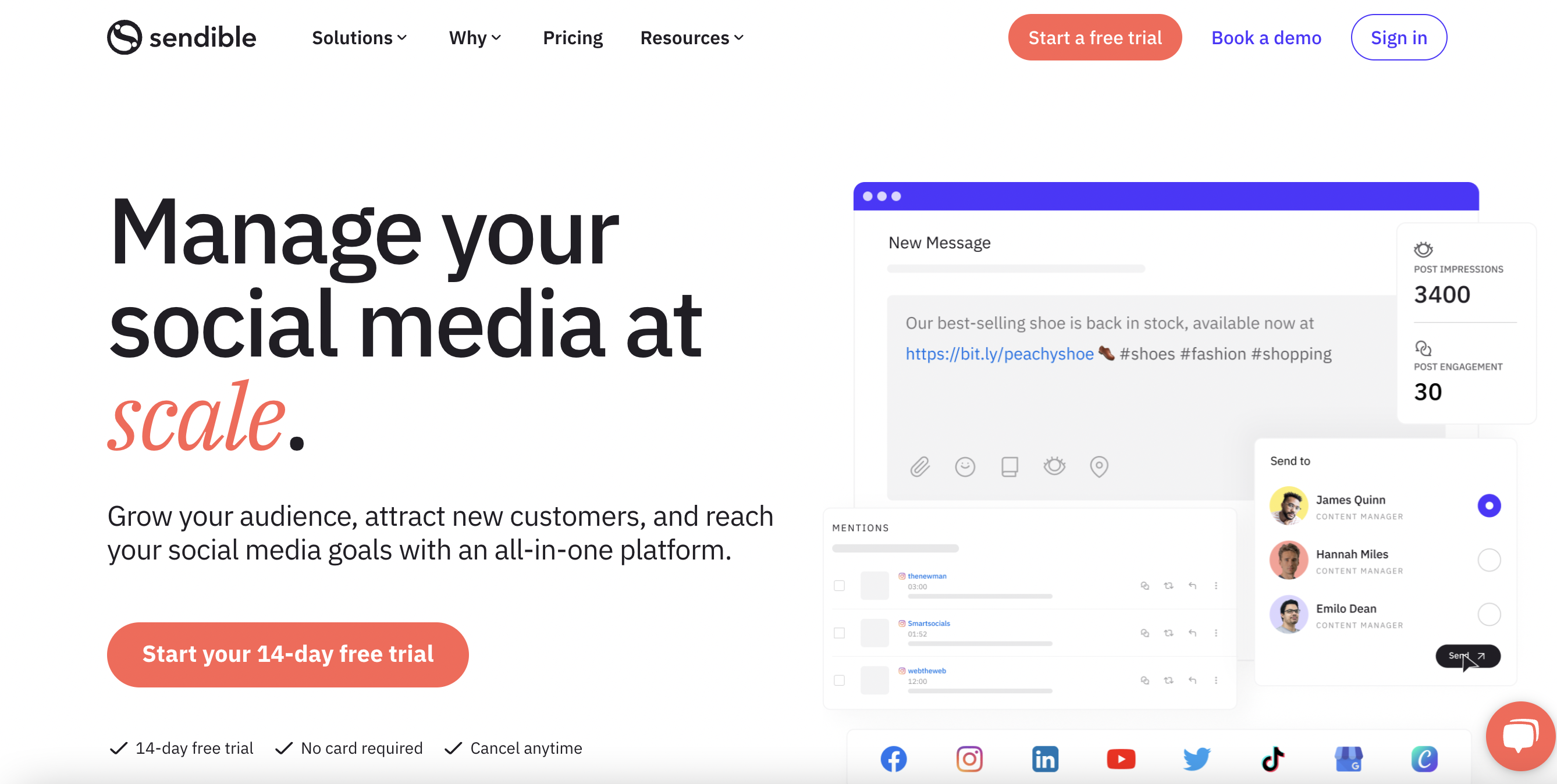
Sendible effectively caters to agencies and large brands. It features client dashboards and automated reporting for agency operators. Enhanced collaboration tools and user management functionalities render it ideal for teams.
Additionally, it includes various integrations that simplify social media management for its users.
Features:
- An all-encompassing dashboard for a comprehensive view of social media performance
- Collaborative tools that allow your team to generate content for client review and approval
- Presentation-ready reports to demonstrate social media ROI to clients
- A mobile application for on-the-go social media account management
5. Pallyy

Pallyy is a distinctive social media management tool specifically designed for agencies. This software facilitates the planning and scheduling of clients’ social media content all in one convenient location. It features a Kanban-style workflow and a visual planner for organizing your grids, along with easy access to media files within a media and folder library.
Features:
- Integrations with Instagram, Facebook, Twitter, LinkedIn, Google My Business, Pinterest, and TikTok
- Visual planners for streamlined content creation across platforms and grids, particularly beneficial for aesthetic-focused strategies
- Organizational folders for media files
- Content calendars that clients can comment on and approve posts
6. SocialBee
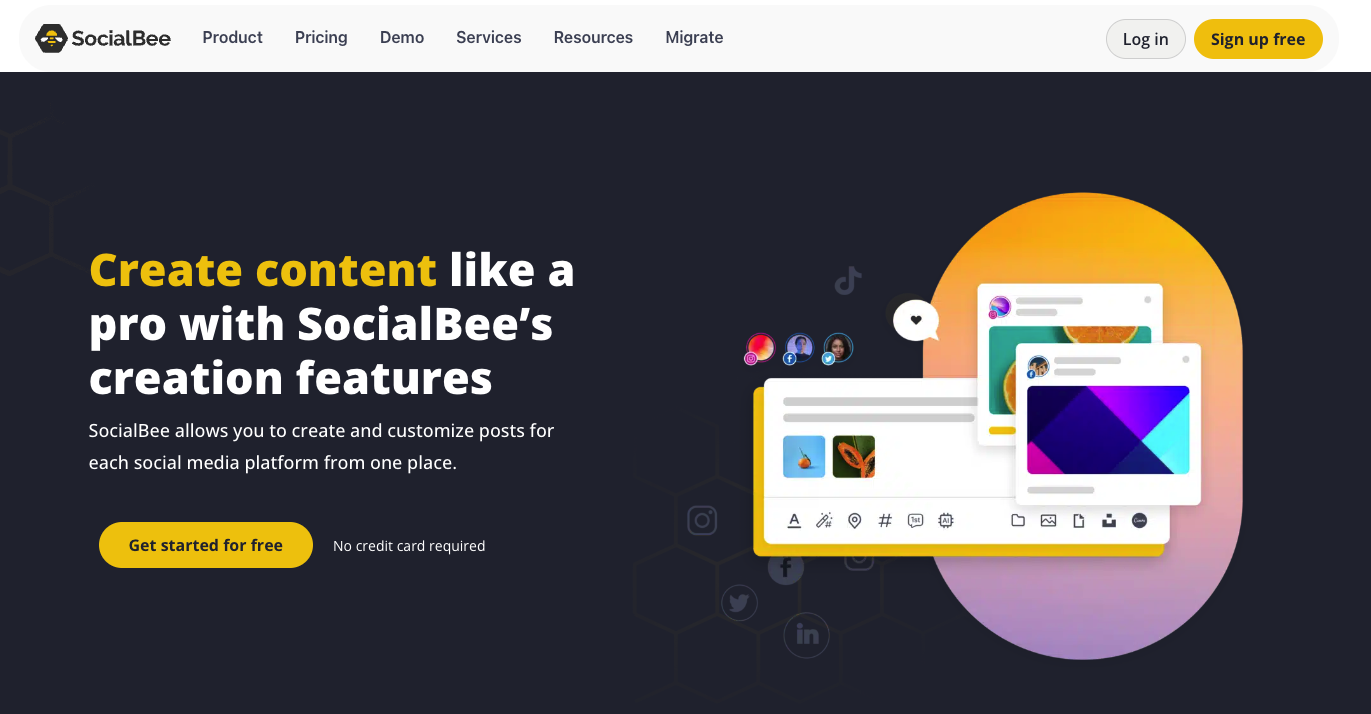
SocialBee serves as a versatile tool for agencies to manage multiple client accounts efficiently. Known for its scheduling prowess, it offers a variety of content categorization and advanced automation features, making it ideal for handling diverse campaigns. SocialBee empowers agencies to streamline their social media management processes and upscale operations while maintaining high-quality content.
Features:
- Custom content categories for organizing and scheduling different post types for clients
- Approval workflows that promote collaboration with clients prior to publishing, ensuring alignment with their vision
- Recycling of high-performing content to facilitate consistent posting without requiring fresh material
- Management of multiple client accounts with team collaboration through task delegation and shared content
- Detailed analytics and custom reporting for campaign performance tracking and insight sharing with clients
Social media management tools for small teams
7. SocialPilot

SocialPilot is a straightforward option for newcomers to social media management. It encompasses all essential publishing and scheduling features required in such tools. The platform features an AI Assistant that facilitates content creation, assisting users in generating catchy captions informed by current trends and audience activity.
SocialPilot provides comprehensive analytics reports that inform more effective strategies. Content performance analysis and audience insights allow you to gauge engagement trends, assisting in the creation of compelling content.
Features:
- Integration with numerous major social media platforms, including Facebook, Instagram, TikTok, and YouTube
- Options for customizing and optimizing posts for multiple social networks from a single composer
- Bulk scheduling capabilities for up to 500 posts to enhance efficiency
8. Buffer
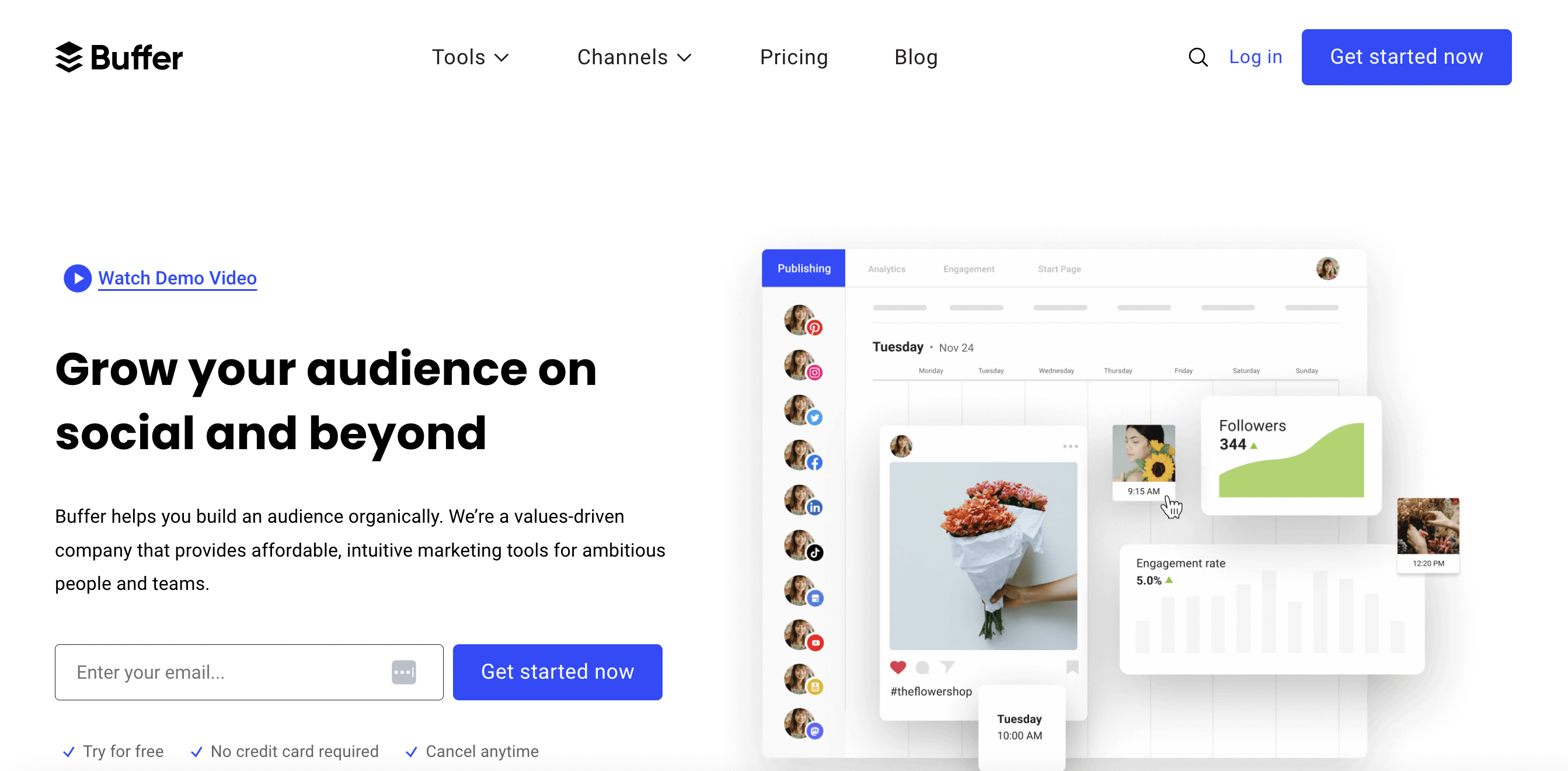
Buffer is another excellent social media management platform that caters to small enterprises and startups. It includes a completely free option for your first three social media channels, making it perfect for setting up your Facebook, Instagram, or Twitter accounts.
The platform enhances content creation via its AI Assistant, generating new ideas and allowing you to save them for later use. Direct integrations with Canva, Dropbox, and OneDrive facilitate the importing and editing of content for social sharing.
Features:
- Social media publishing tools simplifying the scheduling of all curated social media content for every channel
- A universal engagement dashboard that consolidates responses to all mentions or messages
- Analytics and reporting features offering a comprehensive view of social media performance
- A landing page builder for crafting personalized experiences
9. Keyhole

Keyhole distinguishes itself from many tools on this list by also functioning as influencer tracking and marketing software. It conducts in-depth analytics to assist businesses in evaluating and comparing influencers, focusing on those driving genuine engagement.
Once your campaign launches, the tool measures influencer performance and its effect on your overarching campaign objectives.
Features:
- Automated social media reports that are easily shareable and presentation-ready in moments
- Various reporting options, including brand reporting, campaign reporting, hashtag reporting, and influencer reporting
10. Sprinklr

Sprinklr is a platform focused on customer experience management, featuring capabilities for social media management. It meets essential social publishing requirements with an editorial calendar and digital asset management tool, while the engagement dashboard centralizes comments, mentions, and messages.
A distinctive feature of Sprinklr is its management of user-generated content (UGC), enabling organization and reposting of fan content to increase brand visibility.
Features:
- AI-driven tools to expedite content creation
- Custom approval workflows for enhanced team collaboration
- Integrations for customer service and consumer insight, fostering cohesive customer experience management
11. eClincher
eClincher showcases itself as a social media management tool prioritizing 24/7 customer service. Like others on this list, it supports cross-platform social publishing, featuring a visual calendar, a dedicated messaging inbox, and a publishing queue. Additionally, it provides brand monitoring across social networks, news posts, blogs, and more, combined with sentiment analysis.
Features:
- 24/7 customer support empowering users to “strategize, optimize, and assess ROI”
- Collaboration capabilities through drafts, comments, notifications, tagging, and message assignments
Social media management tools for dedicated platforms
12. Tailwind

Tailwind was initially created to fill a gap in the market for Pinterest posting automation, focusing on Pinterest marketing for brands. It has since diversified to include Instagram and Facebook but remains particularly strong in Pinterest management.
The visual calendar aids in the planning and organization of all social media posts centrally. Filters enable users to view Pins exclusively, allowing them to visualize how their page will appear. The platform also publishes Pins automatically at optimal engagement times.
Features:
- Post suggestions to ensure a consistent flow of Pinterest content
- Automatic design solutions for creating on-brand posts consistently
- A hashtag finder to identify popular and contextually relevant hashtags to enhance engagement
13. X Pro (formerly Tweetdeck)

X Pro (previously Tweetdeck) is a Twitter tool developed for monitoring conversations on the platform, giving users a real-time overview to oversee multiple timelines simultaneously. This allows for effortless engagement with relevant discussions and audience interactions.
Following its rebranding, X Pro is part of the X Premium subscription, providing several premium features unavailable to general users, such as sharing longer content and downloading videos.
Features:
- Capability to post more extended messages for comprehensive information sharing
- A designated Highlights tab to display your top posts on your profile
- Boosted replies that elevate the visibility of your responses
14. Preview

Preview is a mobile application that enables you to visually arrange your Instagram feed. This tool is ideal for constructing a feed that aligns with a particular Instagram aesthetic. You can upload several images and videos, allowing you to preview how your feed will look before publishing.
Features:
- Upload images, videos, and carousels into the Preview app to gauge their appearance once live on Instagram
- Scheduling of your content directly through the Preview app for timely publishing
- Planning of Reels and Stories, in addition to your standard Instagram feed, ensuring cohesive presentation
15. Iconoquare

Iconosquare is a social media management tool originally focused on Instagram and Facebook, now incorporating integrations with TikTok, LinkedIn, and Pinterest. This tool furnishes businesses with detailed analytics, content scheduling, and performance tracking, optimizing their social media marketing initiatives. Iconosquare proves especially advantageous for organizations keen on enhancing engagement, monitoring audience expansion, and refining social content with actionable insights for better outcomes.
Features:
- In-depth metrics relating to engagement, follower increments, and content efficacy across Instagram, Facebook, and other platforms.
- Advanced post planning and scheduling functionalities for ensuring consistent content distribution.
- Thorough reports evaluating the effectiveness of social media strategies.
- Facilitation of collaborative content creation, approval, and posting processes for efficient management across teams or agencies.
Publishing-focused social media management tools
16. Hootsuite

Hootsuite serves as a comprehensive social media marketing platform with strong publishing capabilities. It encompasses a visual calendar for planning your content while easily addressing any gaps. If you face a content drought, the tool generates a steady flow of content ideas. Plus, it provides timing suggestions to publish at peak engagement times.
Hootsuite alternatives should you feel inclined to shift your social media management direction.
Features:
- Ability to publish and schedule posts across a variety of platforms
- Management of incoming messages and mentions in one centralized inbox
- Monitoring of online discussions surrounding your brand and industry to stay updated on trending topics
17. CoSchedule

CoSchedule began as a content marketing service and has since integrated social media management into its offerings. It aids in organizing social media publishing through a calendar that visualizes the complete content plan. The Best Time Scheduler ensures posting occurs when engagement is most likely.
Features:
- Social Message Optimizer to enhance social post messaging
- AI Social Assistant for immediate content ideation and message creation
- Pre-existing social sharing templates to eliminate the need for starting publishing plans from scratch
- ReQueue automates the generation of recurring social posts from your top-performing content
18. MeetEdgar

MeetEdgar is a social media management software that automates social media feed curation, making it ideal for solopreneurs or small teams. Startups where team members fulfill multiple roles will find MeetEdgar particularly beneficial.
Features:
- Repurpose content to give it new life by rescheduling it for future publication
- Scheduling tools allow you to set optimal times for MeetEdgar to publish your content
- Instant content insights to gauge performance and optimize your strategy
19. Later

Later facilitates publishing and content creation, assisting users in structuring their social content strategy via a visual planner and media library. Recommendations for Best Time to Post help ensure that you connect with your audience effectively on TikTok and Instagram.
Features:
- Discovery of user-generated content through tags and mentions
- Hashtag Suggestions tool for generating pertinent and fresh hashtags
- Caption Writer tool for automatically crafting impactful social media captions
Guidelines for selecting the ideal social media management tool for your business
When considering a new tool for your enterprise, it’s vital to find one that adds real value to your marketing tech stack. Therefore, it’s essential to thoroughly evaluate your choices to ensure the decision aligns with your needs. Below are some crucial elements to assist you in narrowing down the optimal social media management software for your requirements.
Integration
The primary consideration is whether it offers social media integration for the platforms you employ. It should seamlessly connect with all leading networks to empower you to manage your presence from a single dashboard.
Scheduling

Recent Comments